WordPress × NMKR
Bring NMKR project and token data into WordPress.
ROCSI Connector for NMKR is an open-source plugin that synchronizes Cardano and Solana NFT project and token data through the NMKR API and makes that data available to WordPress through five shipped shortcodes.

Independently developed by ROCSI
- Open source
- WordPress plugin
- Cardano + Solana
NMKR API ↔ Connector → WordPressThe Connector requests project and token data from the NMKR API, stores synchronized data in local WordPress tables, and shortcodes read from those local tables.
- Release
- v0.26.0
- WordPress
- 5.8+
- PHP
- 7.4+
- Tested up to
- WordPress 7.1
- License
- MIT · Open source
How it works
A direct path from NMKR data to WordPress content.
The plugin keeps the integration inside familiar WordPress workflows: configure access, synchronize the data you need, then use the shipped presentation tools.
Install
Install ROCSI Connector for NMKR from the official WordPress Plugin Directory and activate it.
Read docsConnect
Add an NMKR API key in WordPress and choose the synchronization settings for the site.
Read docsSynchronize and present
Synchronize project and token data, then present it with the plugin's documented shortcodes.
Read docs
See it in WordPress
Real shortcode output from synchronized sample data.
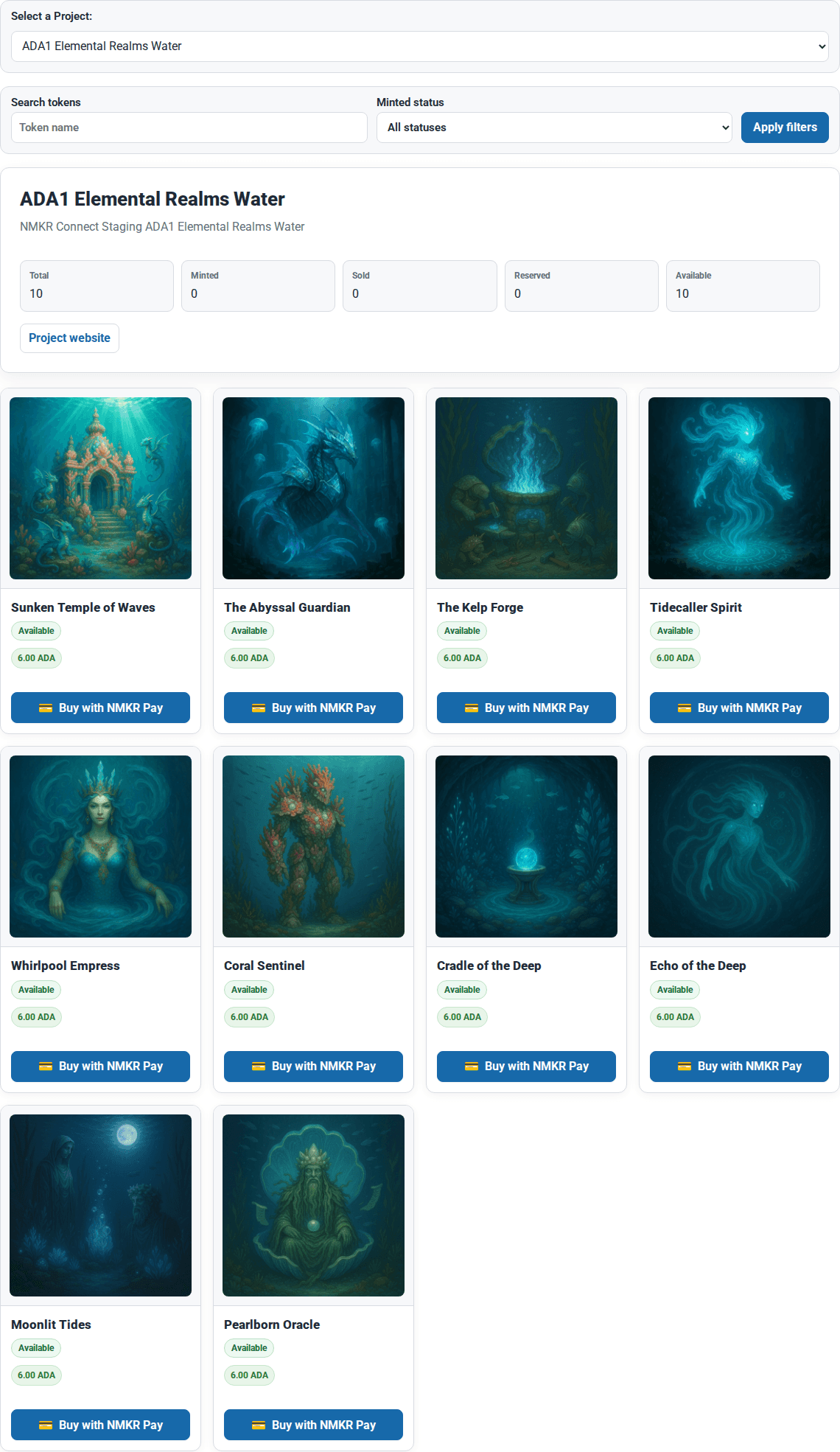
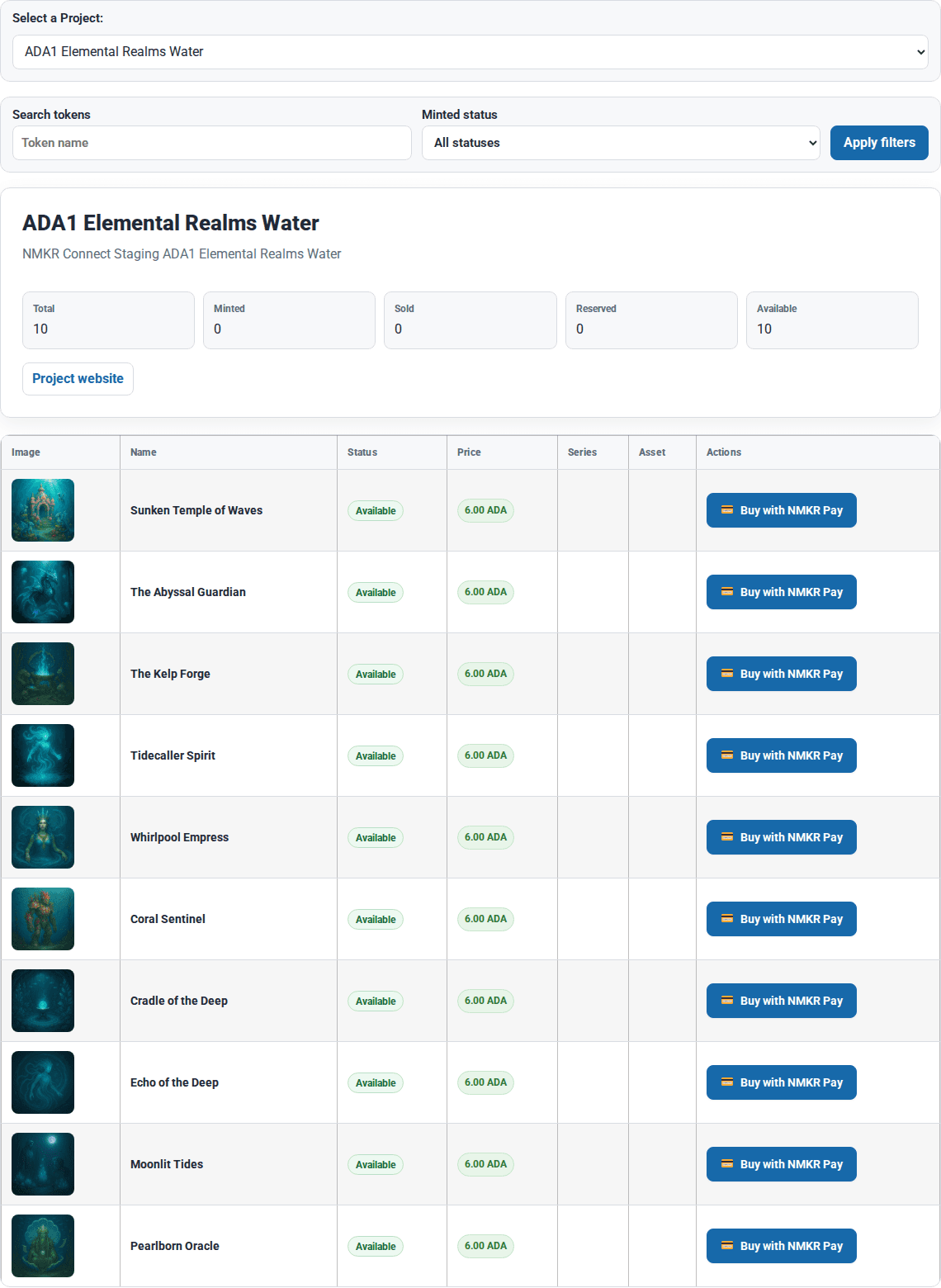
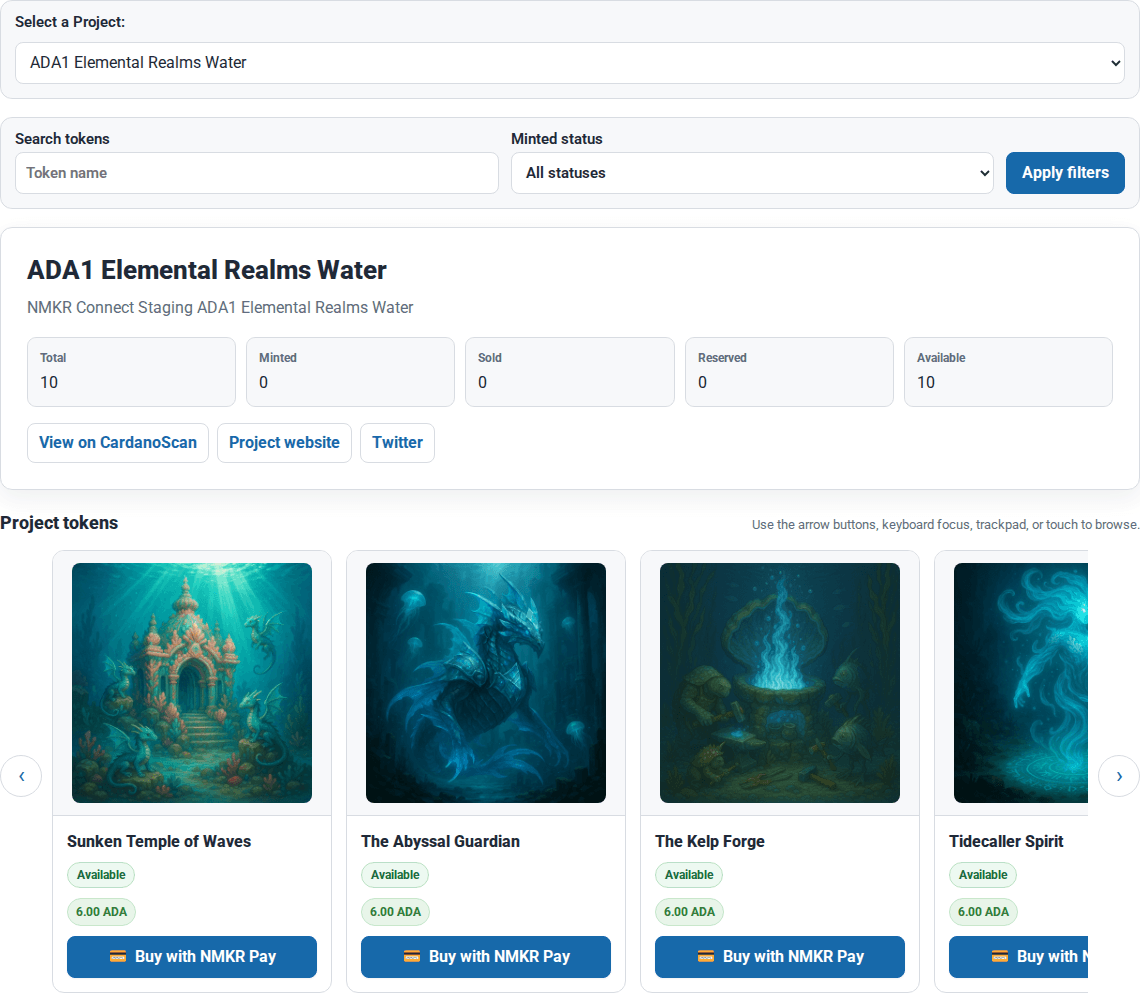
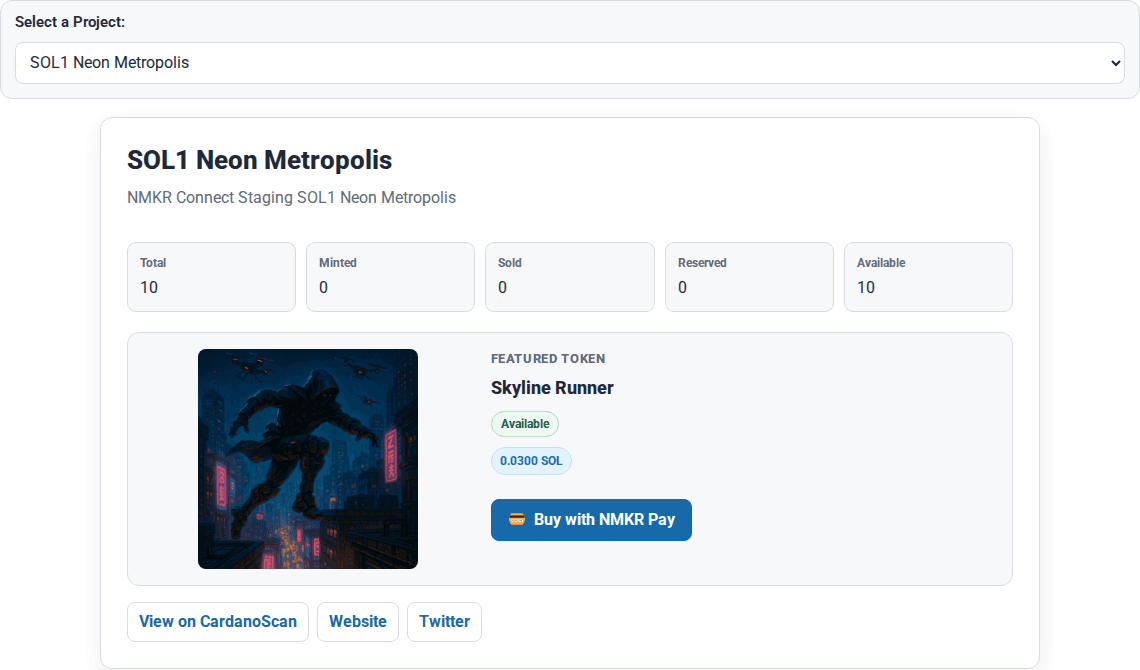
These captures come from the controlled WordPress development environment and show representative front-end views produced by the plugin. The content is sample data, not customer or production content.
[nmkr-grid]Real output captured from the controlled WordPress development environment.
[nmkr-token-list]Real output captured from the controlled WordPress development environment.
[nmkr-carousel]Real output captured from the controlled WordPress development environment.
[nmkr-token]Real output captured from the controlled WordPress development environment.

[nmkr-project]Real output captured from the controlled WordPress development environment.
Privacy defaults
Built with privacy in mind.
Privacy-sensitive behavior stays visible and configurable inside familiar WordPress workflows rather than being silently enabled.
- Off by default
Analytics starts disabled.
Local collection or GA4 transmission begins only after a site administrator deliberately enables an analytics mode.
- Deliberate GA4 setup
GA4 requires explicit configuration.
GA4 modes require deliberate mode selection and valid GA4 credentials before configured event data is sent to Google.
- WordPress guidance
Privacy guidance is included.
After activation, the plugin adds suggested text to the WordPress Privacy Policy Guide for site owners to review and adapt.
Open source
Install from WordPress.org. Inspect the source on GitHub.
Install from the official WordPress Plugin Directory, or review the public source code on GitHub.